

How to Downgrade iOS 26/19 to iOS 18 [No Data Loss] – Free in One Click
Apple has officially released iOS 26 beta, and many users have already rushed to try out the new features. But as exciting as early access sounds, the beta version often comes with bugs, app crashes, or battery drain that can disrupt your daily use. If you’re one of those users who regret downloading the iOS 26 beta, don’t worry—you’re not stuck with it. In this guide, we’ll walk you through exactly how to downgrade iOS 26 beta to iOS 18 safely and without losing your data.
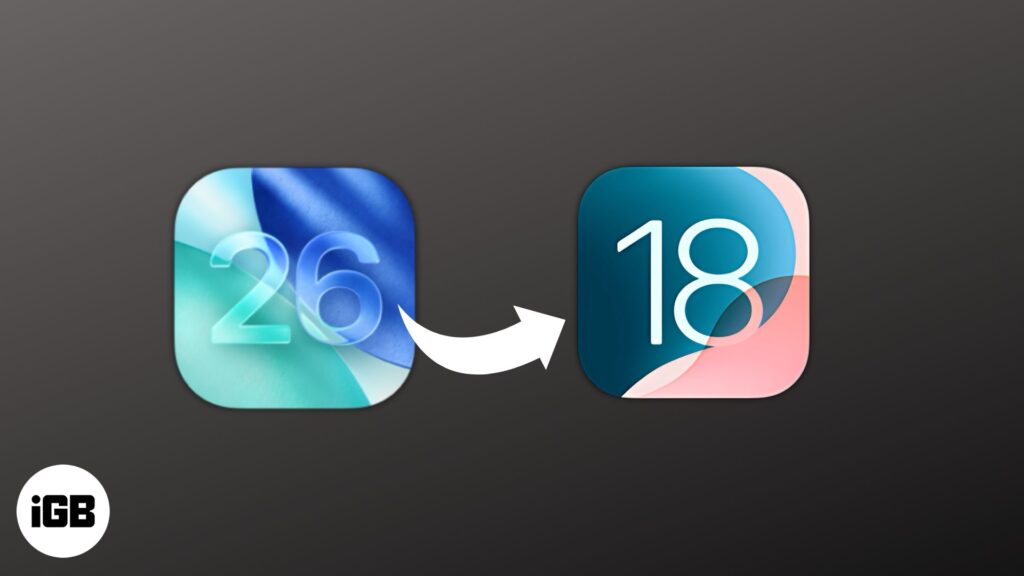
Can You Downgrade from iOS 26 Beta to iOS 18?
Top 3 Ways on How to Downgrade iOS 26 Beta to 18 for iPhone/iPad
- Way 1. Downgrade iOS 26 Beta to 18 Without Data Loss/Jailbreak/iTunes [Best Recommended]HOT
- How to Remove iOS 26 Beta and Restore to the Latest Official Version [Beta Only]
- Way 2. Downgrade iOS 26 Beta to 18 via IPSW Firmware Import [Manually]
- Way 3. Downgrade iOS 26 Beta to 18 via BetaProfiles [Versions Limited]
Bouns Tips. How to Downgrade iOS 26 Beta to 18 Without Computer
Many users wonder if they can downgrade from iOS 26 Beta to iOS 18 without a computer. Unfortunately, because of how Apple manages firmware, downgrades usually require a computer and special software. There’s no official way to fully downgrade over the air once a beta is installed.
You can only remove the beta profile without a computer, but this won’t reinstall an older iOS version. It just stops future beta updates. Here’s how to remove the iOS 26 Beta profile on your iPhone or iPad without a computer:
- Step 1. Head to “Settings” on your iPhone/iPad. Then, choose “General.”
- Step 2. Tap “VPN & Device Management.” Remove the iOS 26 Beta profile. This stops future beta updates.
People Also Ask About How to Downgrade iOS 26 Beta to 18
Q1. Why is it so hard to downgrade iOS?
Downgrading iOS is difficult because Apple stops signing older versions soon after updates. Even with the right file, you can’t install it if Apple no longer approves it. Betas modify system files, so going back usually requires wiping your device. Apple does this for security, limiting downgrade options unless you use risky methods like jailbreaking.
Q2. Can I jailbreak iOS 26 Beta?
Yes, you can jailbreak iOS 26 beta, though currently only a few jailbreak tools support it, and compatibility depends on your device model and chip. Keep in mind that jailbreak options may be limited and require specific steps.
Q3. Can you downgrade iOS without iTunes?
Yes, but only sometimes. You can downgrade from iOS 26 Beta to iOS 18 if Apple is still signing it. Downgrading to stable iOS without iTunes is nearly impossible unless you use tools like Tenorshare ReiBoot, which can do it without data loss.




Related Articles

How to Improve IT Knowledge
Learn why IT knowledge is important today. Discover how technology creates career...

Artificial Intelligence and the New Era of Human Expertise
Welcome to the first edition of The Intelligence Shift, a monthly series...

Controlling the Connectivity Stack: G+D Reveals New Innovations at MWC
Controlling the Connectivity stack is at the core of modern mobile networks,...

Technology Trends 2026 That Will Shape the Future
Self-driving vehicles, humanoid robots, AIs trained in space, and the possible successor...