

How to restart your iPhone or iPad if it’s frozen on the Apple logo
11
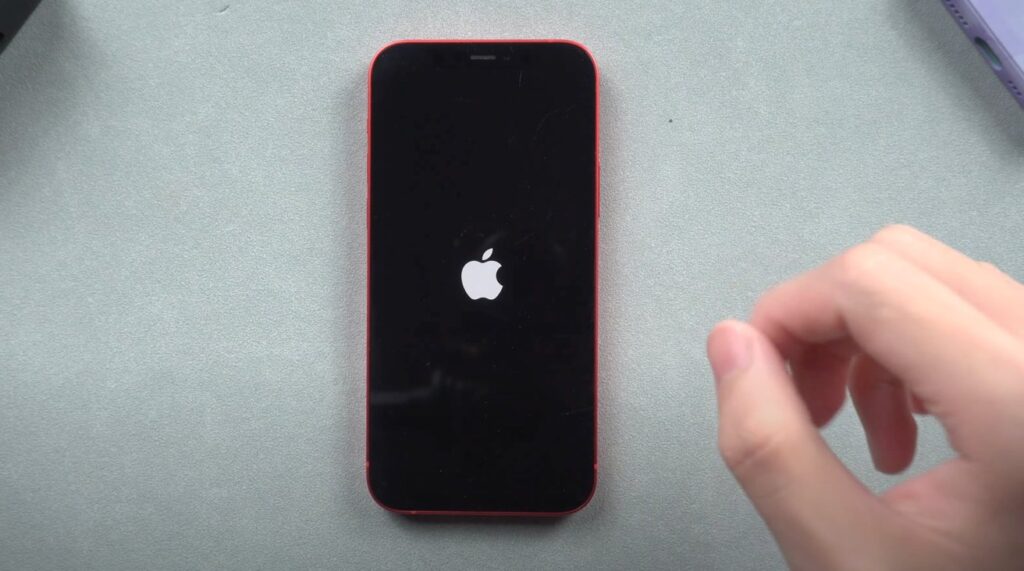
Is your iPhone or iPad stuck on the Apple logo and won’t load past it? This common issue can happen after a system update, data transfer, or restore error but don’t worry. In most cases, you can fix it at home with a few simple steps.
This step-by-step guide will show you how to restart your frozen iPhone or iPad and get your device back to working condition without losing data.
What Causes an iPhone or iPad to Freeze on the Apple Logo?
- Incomplete iOS or iPadOS update
- Failed system restore
- Issues with third-party apps or corrupted files
- Jailbreaking errors
- Hardware malfunction (rare)
How to Restart a Frozen iPhone or iPad (Stuck on Apple Logo)
Depending on your model, follow the instructions below to force restart your device:
For iPhone 8 and Later / iPad Without Home Button
- Press and quickly release the Volume Up button.
- Press and quickly release the Volume Down button.
- Press and hold the Side (or Top) button until the Apple logo disappears and reappears.
This will force restart the device. Wait to see if it boots normally.
For iPhone 7 or iPhone 7 Plus
- Press and hold the Volume Down and Side buttons at the same time.
- Keep holding both buttons until you see the Apple logo disappear and reappear.
This triggers a hard reset and usually fixes frozen screens.
For iPhone 6s, iPhone SE (1st gen), iPad with Home Button
- Press and hold the Home button and the Power (Top/Side) button together.
- Keep holding both until the screen turns black and the Apple logo shows again.
What to Do If Force Restart Doesn’t Work
If your iPhone or iPad is still stuck:
- Use Recovery Mode via Mac or PC:
- Connect your device to a computer using a USB cable.
- Open Finder (macOS Catalina and later) or iTunes (on older Macs or PCs).
- Put the device into Recovery Mode (Apple has a detailed guide for this).
- Choose Update (not Restore) to reinstall iOS without deleting your data.




Thank you so much for this