

Effective Fixes for Apple Logo Freeze Issue | Quick Solutions to Unfreeze Your iPhone
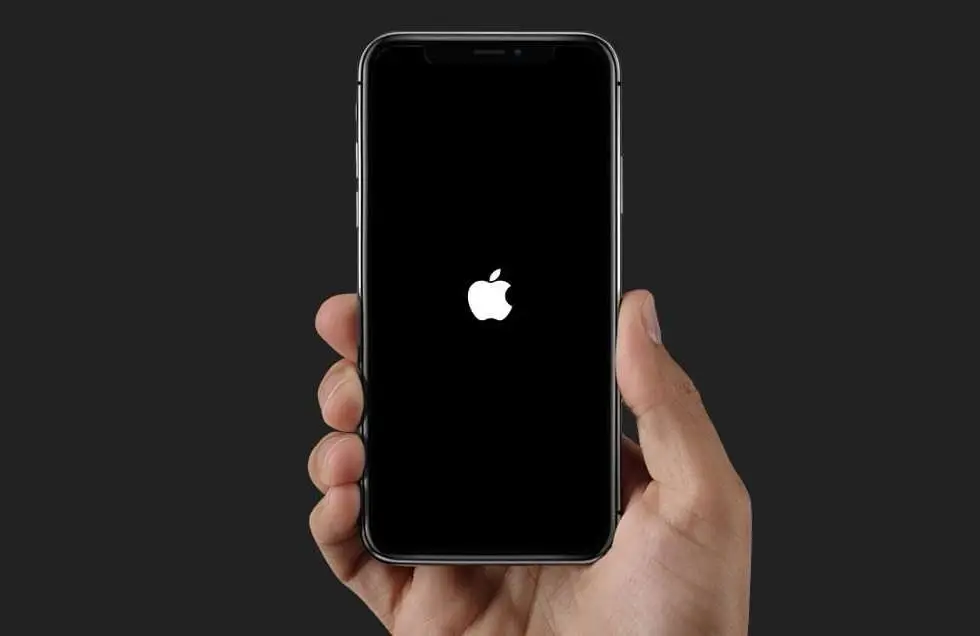
Your iPhone or iPad may get stuck on the Apple logo. This is the white or black screen with the Apple logo. It usually means the device is having trouble starting up. Here are step-by-step solutions you can try, starting from the simplest:
1. Force Restart
This doesn’t erase data it just forces the device to restart.
iPhone 8 or later (including iPhone X–15): Quickly press and release Volume Up. Then, quickly press and release Volume Down. Hold the Side button until the Apple logo disappears and then reappears. iPhone 7 / 7 Plus: Hold Volume Down and Power (Side) button together. Do this until the screen goes off. Wait until the Apple logo comes back. iPhone 6s or earlier / iPad with Home button: Hold Home + Power together until restart.
2. Charge the Device
Sometimes the freeze is caused by low battery. Plug into a wall charger (not just a computer USB port) for at least 30 minutes, then try restarting again.

3. Update or Restore with Recovery Mode
If a force restart doesn’t work, use a computer with Finder (macOS) or iTunes (Windows):
Connect your iPhone to the computer. Enter Recovery Mode. Perform the same steps as a force restart. Keep holding the last button until the Recovery Mode screen appears and shows a cable and computer icon. On your computer, choose: Update (tries to reinstall iOS without deleting data). If Update fails, choose Restore (erases all data and installs a fresh iOS).
4. Use DFU Mode (Last Resort)
DFU = Device Firmware Update. It wipes everything and reinstalls iOS at the deepest level. Useful if the software is badly corrupted. Steps vary slightly by model (want me to walk you through this for your exact iPhone model?).
See also:What Should I do If iPhone wont Turn on Stuck on Apple Logo?
When to Seek Help
If the phone keeps looping on the Apple logo even after restore/DFU. If there’s physical damage (like after a drop or water exposure). If you can’t get into Recovery/DFU. 👉 In these cases, it’s likely hardware-related (logic board, NAND, etc.), and you should visit an Apple Store or authorized repair center.
Related Post: Apple deepens its ties to a Kentucky plant that produces cover glass for iPhone and Apple Watch





Related Articles
Apple Announces New iOS Features and Changes in Japan
Apple updates offer enhanced options for developers to distribute apps and handle...

How to Launch a Successful AI Startup: Essential Steps, Tools, and Strategies for 2025
AI startups say the promise of turning dazzling models into useful products...

US Black Friday 2024 Sets New Record With $11.8 Billion in Online Sales — Adobe Analytics
Nov 29 (Techy Solutions) – AI-powered shopping tools helped drive a surge...
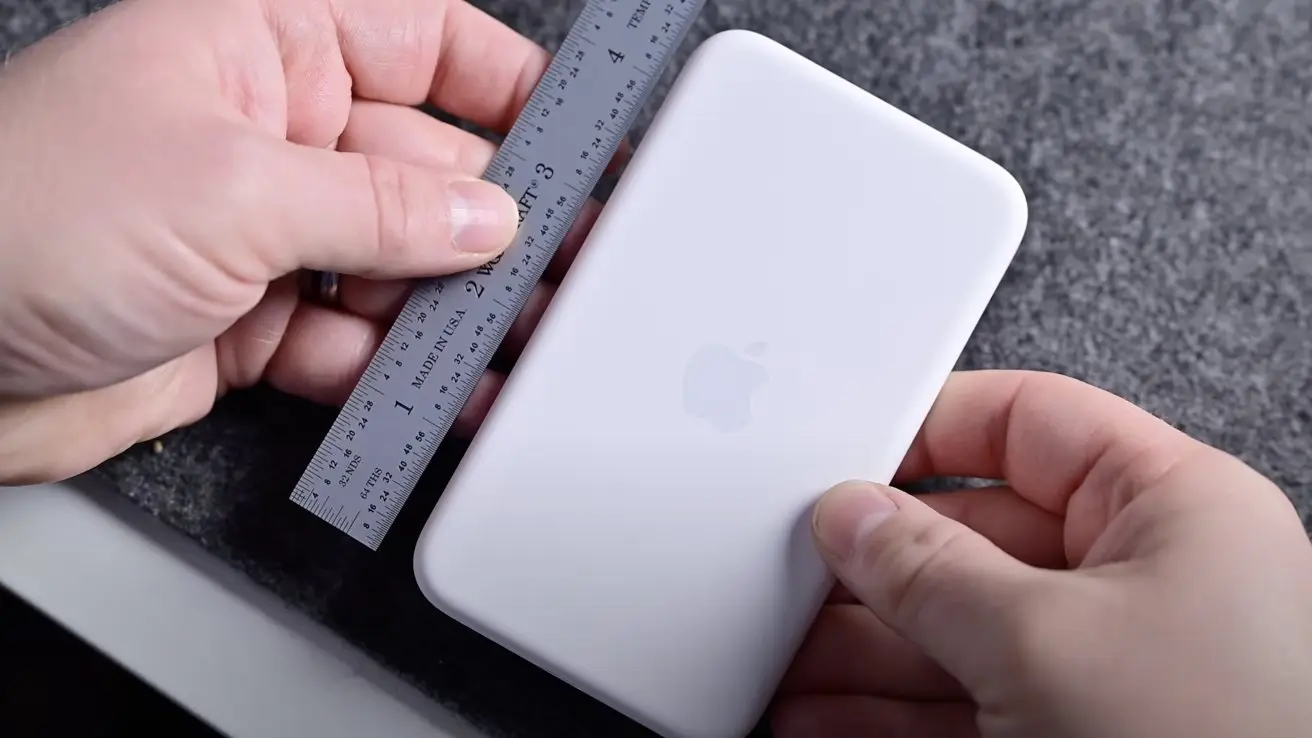

MagSafe Battery for iPhone Air uses the same battery type as the phone itself
Apple has introduced a new twist to its accessory lineup with the...
Comments are closed.