

How to Update your Apple watch software
25
Here’s how to do it:
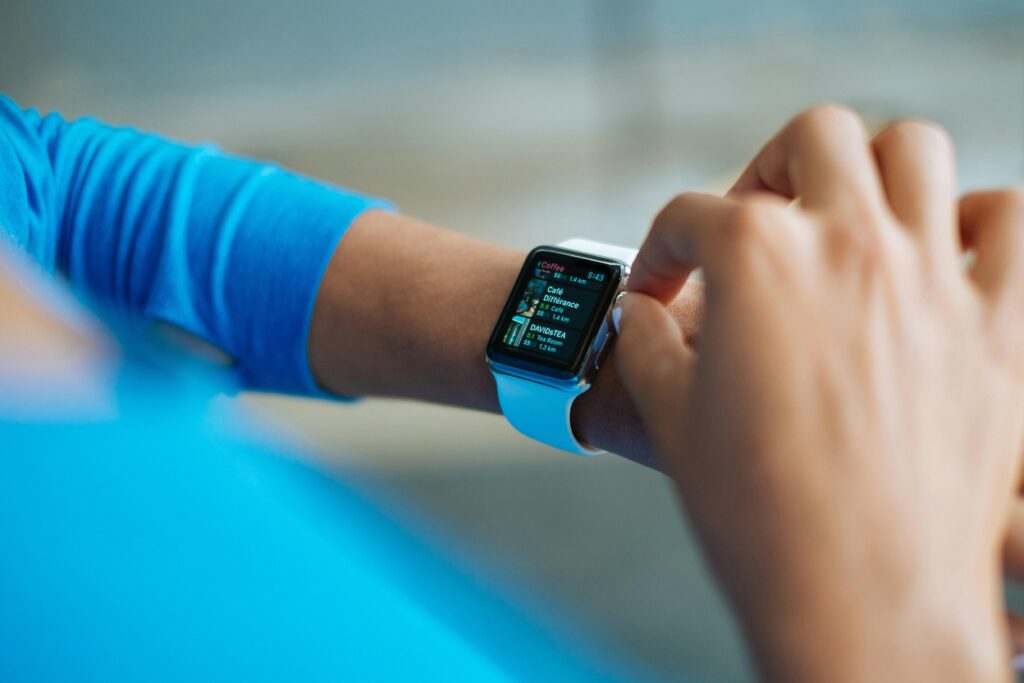
Updating via iPhone:
- Ensure your Apple Watch is connected to Wi-Fi or paired with your iPhone.
- Open the Watch app on your iPhone.
- Tap on “General” > “Software Update”.
- If an update is available, tap “Download and Install”.
- Follow the on-screen instructions to complete the update.
Requirements:
- Your Apple Watch needs to be at least 50% charged.
- Keep your Apple Watch and iPhone nearby during the update process.
Tips:
- Regularly check for updates to ensure you have the latest features and security patches.
- Make sure your iPhone is running the latest version of iOS.




Related Articles

How to Improve IT Knowledge
Learn why IT knowledge is important today. Discover how technology creates career...

Artificial Intelligence and the New Era of Human Expertise
Welcome to the first edition of The Intelligence Shift, a monthly series...

Controlling the Connectivity Stack: G+D Reveals New Innovations at MWC
Controlling the Connectivity stack is at the core of modern mobile networks,...

Technology Trends 2026 That Will Shape the Future
Self-driving vehicles, humanoid robots, AIs trained in space, and the possible successor...